A take-home coding project asks for more than your time when its instructions require running someone else's code. Treat that request as a software-trust decision before treating it as an interview exercise.
On October 6, Nigeria's ngCERT issued an advisory about fake recruiters approaching developers through LinkedIn and direct email. It describes malicious Node.js and React assessments delivering remote-access malware called NodeRabbit and PollCat, with potential exposure of credentials and organizational data.
The underlying Kaspersky investigation was published September 1, not this week. Kaspersky attributes the activity to the group it tracks as Mirage Kitten.
The project can look like normal work
Kaspersky examined an assessment app built with Express, React, and Vite. Its README directed candidates toward frontend defects and away from a supposedly sound server file. A malicious dependency bundled inside the archive launched an implant when imported. The download used legitimate cloud hosting.
The useful lesson is narrower than “all coding tests are malware”: a familiar framework, plausible task, or recognizable download service does not establish who supplied the code or what it will execute.
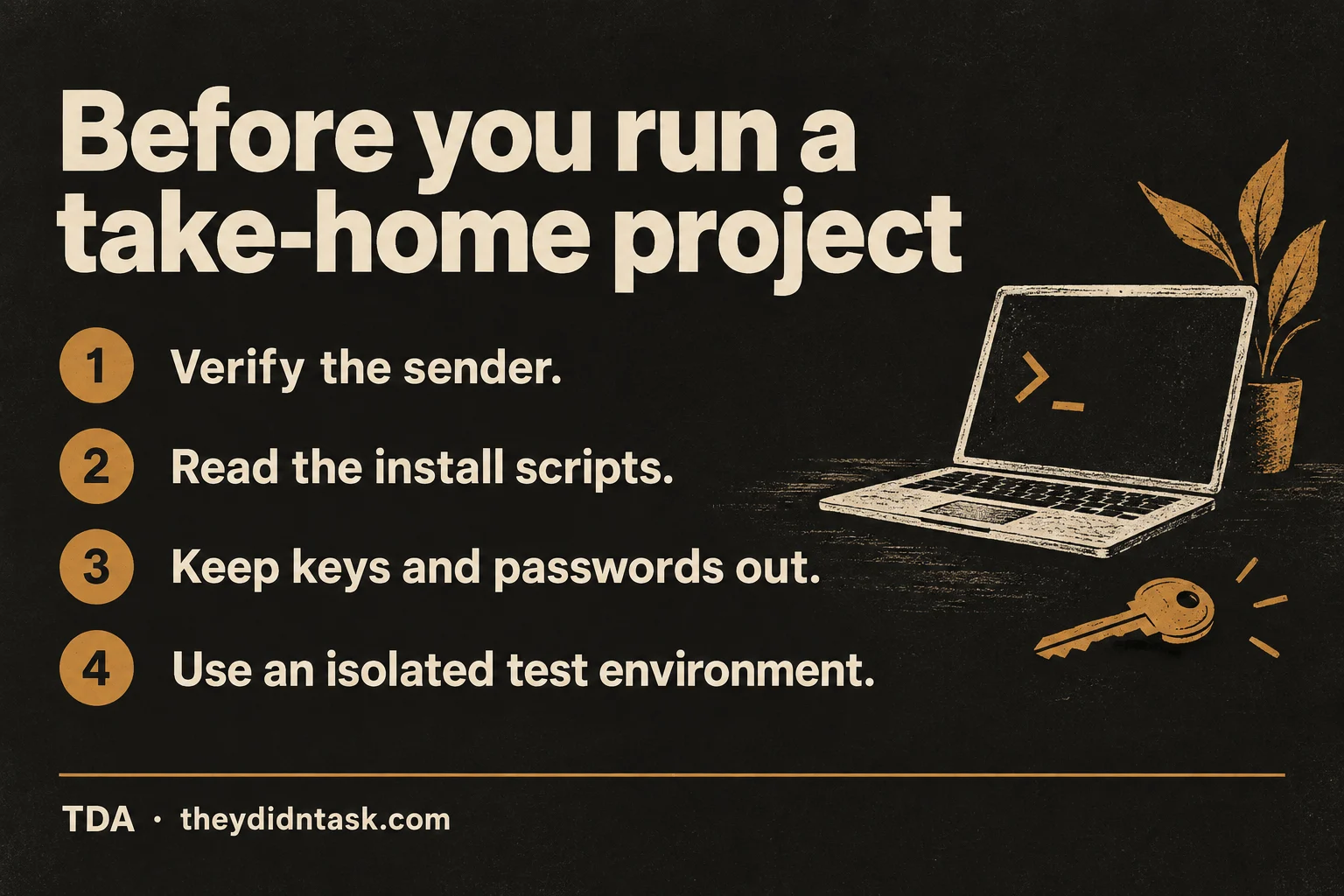
Before you run a take-home project
Verify the sender. Find the employer's careers page yourself. Confirm the role and recruiter through a company channel you independently locate, rather than contact details supplied in the message.
Read the install scripts and project code. Check bundled dependencies and startup instructions as well as the file you were asked to edit. Ask for a safer assessment format if you cannot adequately review it.
Keep keys and passwords out. Do not supply your real work account, cloud tokens, SSH keys, or production configuration to an interview project.
Use an isolated test environment only after review. Avoid attaching work repositories or credential stores. Decide which shared folders and network access are actually needed.
ngCERT recommends verifying recruitment messages, inspecting dependencies before execution, restricting sensitive developer access, and using controlled environments. Isolation is not a safety guarantee and cannot replace verification or review. A deadline is not a reason to skip those checks.
If you already ran a suspicious project
Stop using that environment for sensitive work and contact your organization's security team, if applicable. Preserve the recruiter messages and project for investigation. A suspicious offer is a reason to investigate, not proof that your computer is infected.
ngCERT recommends resetting compromised credentials and revoking sessions and tokens. Work with the responsible team to identify what was exposed and perform recovery from a trusted device; changing one password does not settle every possible access path.
For ordinary messages that ask for passwords rather than code execution, see our phishing guide. The same first step applies: verify the request through a channel you find independently.